Use Cash Prediction to manage your money - NAB


What is Cash Prediction?
Cash Prediction is a feature of the NAB app that you can access through the Insight section of your Accounts menu.
It looks at your regular income and expenses, including payments and upcoming bills, to calculate how much potential spare cash you may have each upcoming pay cycle to save, pay off debt or invest.
How Cash Prediction can help
Track spending
Monitor your income, expenses, payments and upcoming bills all in one place, making it easier to manage your budget and know exactly where your cash is going.
Avoid overdrafts
Plan ahead with confidence. Cash Prediction gives you time to move money between accounts before you’re caught short, reducing the risk of overdrawing.
Boost savings
Save smarter, not harder. Get a clear estimate of what you’ll have left each payday so you can set aside savings, pay down debts, or invest, keeping you ahead financially.
How Cash Prediction works
Your prediction calculation uses trends from all your solely owned personal accounts (including transaction accounts, savings accounts and credit cards). Joint accounts and non-NAB accounts are not included in the calculation.
We only include regular transactions that have happened at least three times and don’t include one-off or infrequent transactions.
Let's look at an example prediction
- We see that your usual income is $2,000 a fortnight.
- You usually spend $1,200 a fortnight on groceries and other regular spending.
- Upcoming detects that you have $500 in predicted bills this coming fortnight for your mobile phone and electricity.
- Cash Prediction will predict that you have $300 left over.
How to use Cash Prediction
1. Log into the NAB app on your mobile device.
2. From the Accounts menu, scroll to the Insight section.
3. Tap on the Cash Prediction to see your prediction for the upcoming pay cycle.
4. Tap on the How this is calculated to see details on the prediction was calculated.
How to edit Cash Prediction
1. To change the day your prediction is calculated, tap on Edit prediction settings, then Edit settings. Change either the frequency of your predictions or the date your next prediction will be delivered in the app.
2. To stop Cash Prediction, tap on Edit prediction settings, then Turn off Cash Prediction
What you need to know
- A Cash Prediction is an estimate only and does not consider the balance of your account on the day you receive the prediction.
- You’ll need to check your account regularly to make sure you have enough money to cover other unexpected or irregular expenses, such as taking your pet to the vet.
- If your expenses and payments are more than your income in a pay cycle, the predicted amount could be negative.
- If your account balance becomes overdrawn, you’ll need to add money into it to avoid paying debit interest.
Don’t have the NAB app?
Download the app today for a more convenient banking experience.


Explore other products and online banking features
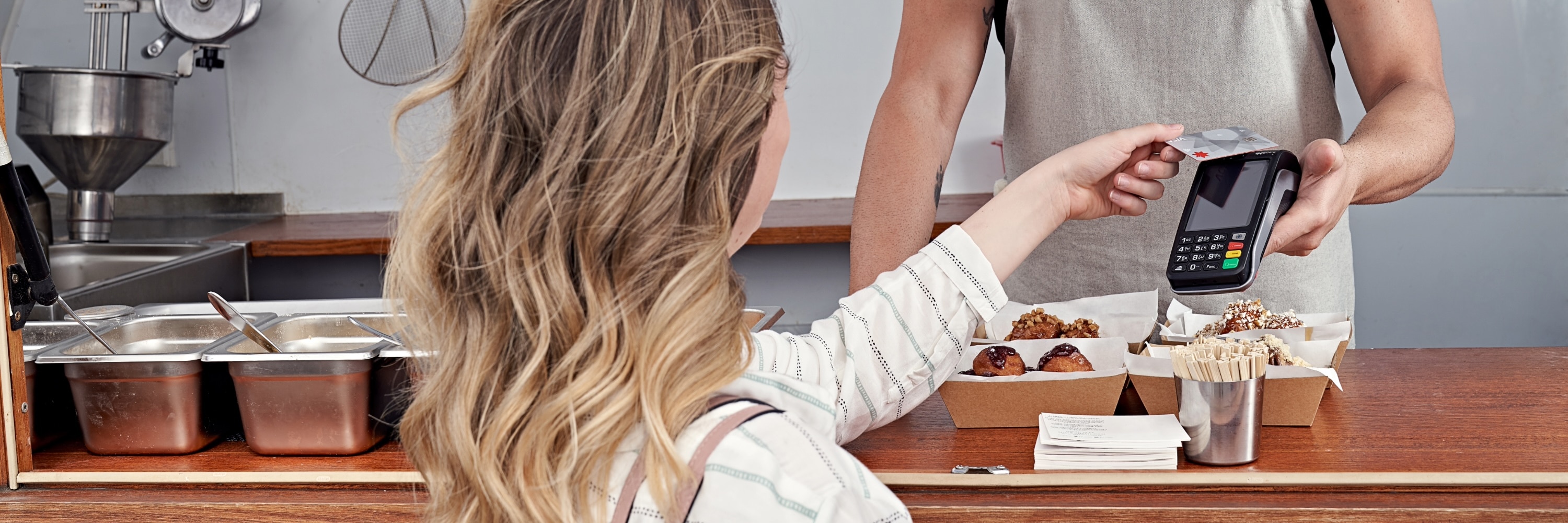
Track your expenses online with Spending
Our new tool to help you track your expenses through NAB Internet Banking.
Saving Spaces
Learn how to organise your savings with Spaces in the NAB app and NAB Internet Banking and watch your savings grow.
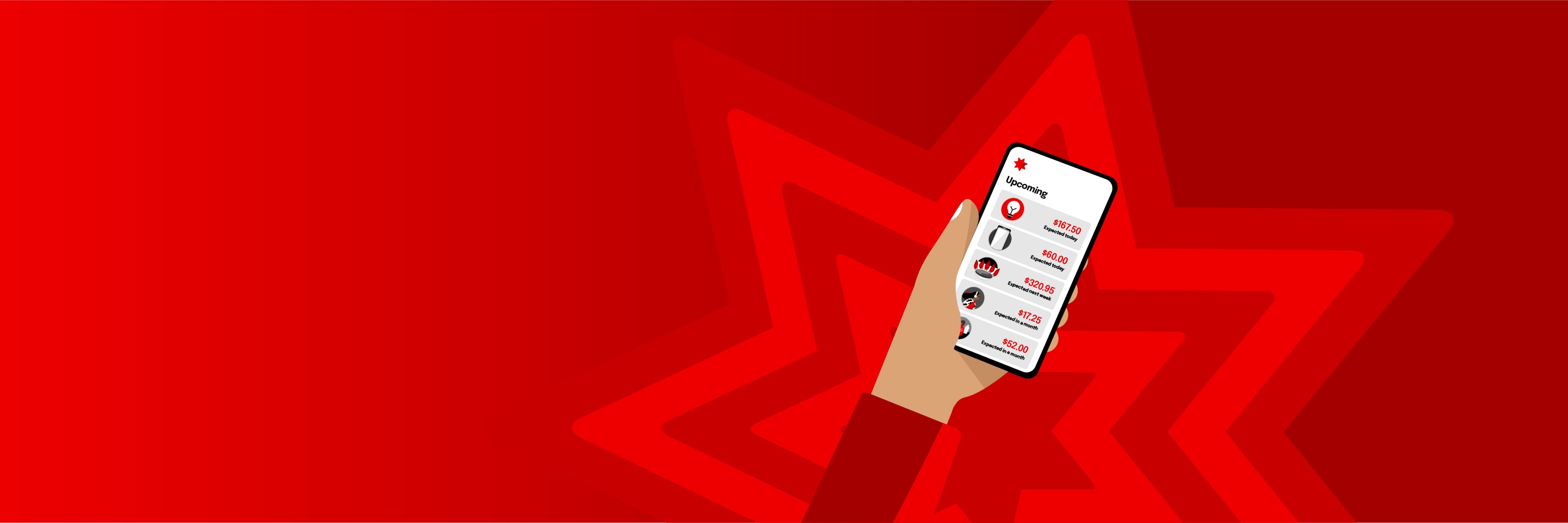
Stay on top of future bills with Upcoming
Upcoming is a feature that predicts future bills and subscription payments. Designed to help you plan ahead and stay on top of regular payments.
Terms and Conditions
Apologies but the Important Information section you are trying to view is not displaying properly at the moment. Please refresh the page or try again later.
Any advice on our website has been prepared without considering your objectives, financial situation or needs. Before acting on any advice, consider whether it is appropriate for your circumstances and view the Product Disclosure Statement or Terms and Conditions available online or by contacting us. Credit applications are subject to credit assessment criteria. Interest rates, fees and charges are subject to change. Target Market Determinations for our products are available at nab.com.au/TMD. Products issued by NAB unless stated otherwise