Digital wallets | What are they and how do they work? - NAB


What are digital wallets?
A digital wallet is an app on your phone, device or watch that safely stores your card details. It lets you pay in shops or online by tapping your device or using secure checkouts, without using a physical card.
Think of your digital wallet as another contactless payment method.
Digital wallet provisioning is the process of adding your NAB card to a digital wallet on your payment device (such as Apple Pay or Google Pay on your smartphone). This lets you pay safely using your device, without sharing your actual card number.
What is a digital token?
When you add your card to a digital wallet, a unique payment token (digital token) is created. Your actual card number isn’t stored on your phone, smartwatch or other device.
A payment token is a unique digital number that replaces your card number when you make a payment. It helps keep your card details protected.
If you use your card details to pay online (for example, when setting up a subscription), the merchant may use a payment token instead of storing your card number. This helps reduce fraud and adds an extra layer of security to your payments.
How to add your card to a digital wallet
It’s quick and easy to add your debit or credit card to your digital wallet. Follow our online banking guide.
What are the benefits of digital wallets?
Smart contactless technology
Digital wallets use NFC (near-field communication), your device’s wireless technology, including Bluetooth, WiFi and magnetic signals, to transfer payment information to the terminal - just like a physical debit or credit card would.
Digital wallets aren’t just for making payments in store, online or overseas. You can store a digital version of your essentials, such as:
If you’ve added your NAB Visa Debit card to your digital wallet, you’ll be able to make contactless ATM cash withdrawals and balance enquiries at NAB ATMs displaying the contactless symbol.
Built with security in mind
Ways to use a digital wallet
Start using a new card immediately
There’s no need to wait for your new physical card to arrive in the mail. Just locate the new card in the Cards section of your NAB app, successfully set up your digital wallet (with Apple Pay or Google Pay) and start spending immediately.
Pay in store, online and overseas
When in store, simply access your device, and tap to pay everywhere your digital wallet is accepted or where you see the contactless symbol at checkout.
For purchases online, look out for the digital wallet options available for payment at the checkout, such as Apple Pay, Google Pay and Click to Pay.
Use your digital wallet overseas at accepted contactless merchant terminals, even with your mobile roaming data off.
Store and access event tickets and more
No need to print your tickets or scan through your emails to find them. You can store a digital version of your loyalty cards, boarding passes when you travel, tickets to concerts and events just to name a few.
Look out for the option to ‘Add your ticket to your digital wallet’ options available after purchase.
Digital token FAQs
What is a tokenised transaction?
A tokenised transaction means a merchant uses a digital payment token instead of your actual card details to process a payment. This helps keep your card information protected.
Tokenisation is used for all digital wallet payments and for most recurring card payments made with merchants.
Why are recurring payments appearing on my blocked card?
Some recurring payments use a payment token instead of your physical card details. If a payment is tokenised, blocking your card won’t stop that payment from going through. For recurring payments, you should contact the merchant directly to cancel the arrangement to prevent future charges.
If you notice payments you don’t recognise or believe are unauthorised, please contact us for help.
How do I manage my digital tokens?
You can view and manage your digital wallet tokens at any time in the NAB app under the “My Cards” menu. Simply select the card to review and then select “Manage your digital wallet”. To view and manage your digital tokens saved on file with merchants (also known as merchant credential on file tokens), please contact us for help.
Digital wallets for smartphones
The digital wallet available will depend on the type of compatible device you have. If you have an iOS device, you can set up Apple Pay in the NAB app. If you have an Android device, you can set up Google Pay in the NAB app or Samsung Pay on your phone.

Apple Pay
Use your NAB Visa card with Apple Pay. Quick and secure.
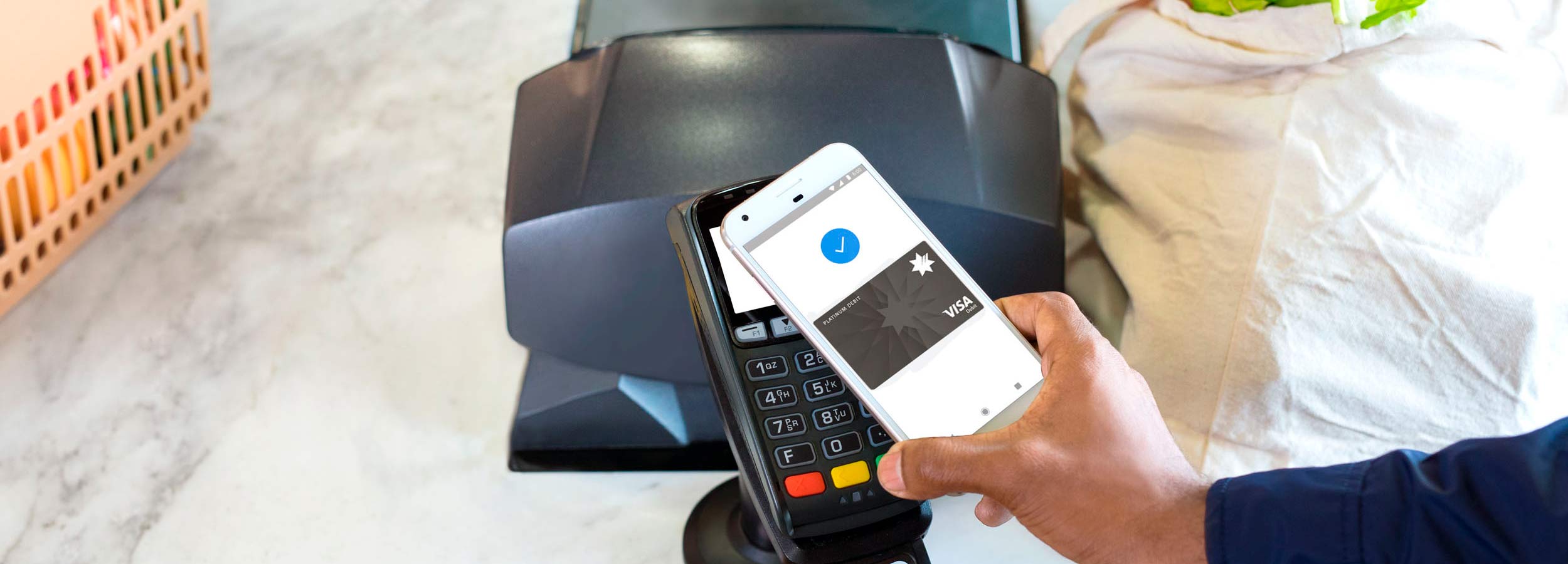
Google Pay
Learn how to use Google Pay to make purchases and payments on the go. Secure and easy to use with a NAB debit or credit card.
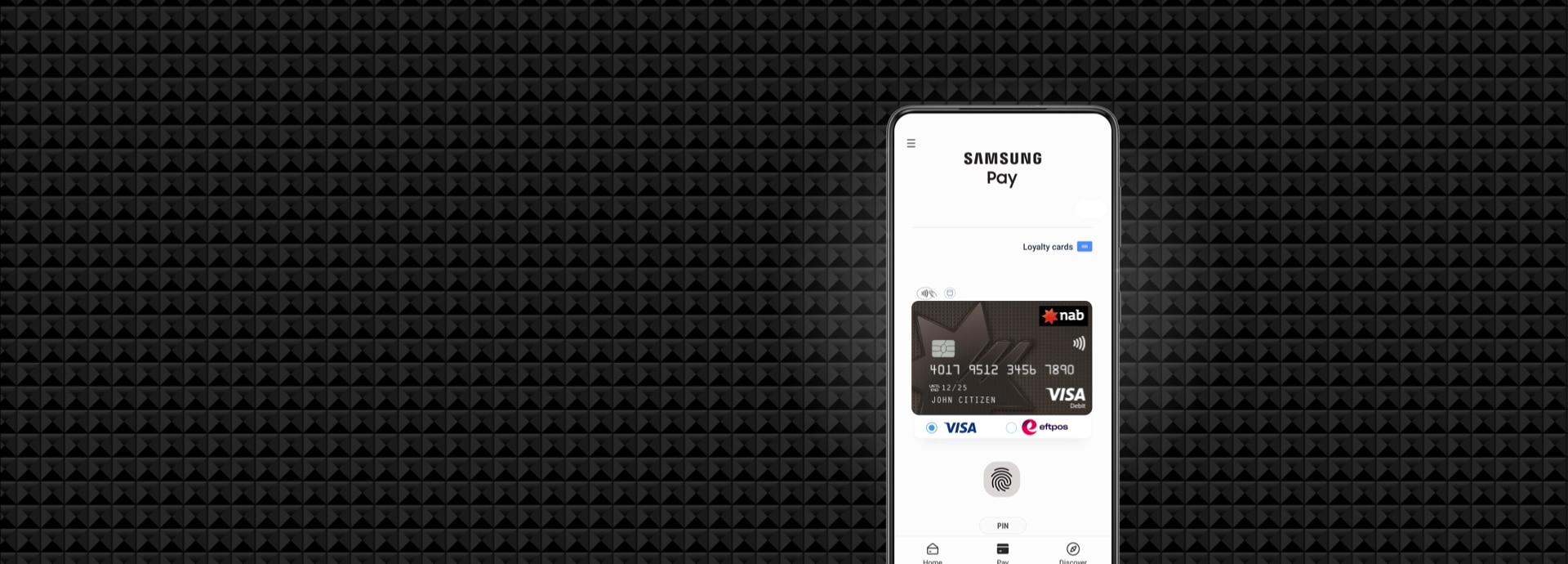
Samsung Pay
Use Samsung Pay to make a secure payment with your device.
Digital wallets for wearables
You can make a payment with your NAB Visa card on the go, right from your wrist. You can work-out without your phone or wallet and still use your NAB Visa card anywhere that accepts contactless payments.
Apple Watch
Use your NAB Visa card with Apple Pay. Quick and secure.

Garmin Pay(TM)
Tap and Pay with your Garmin! Use Garmin Pay™ to make payments on the go - it's secure and easy.
More digital payment options
There are more ways to make fast and secure payments to others and pay bills. Learn more about our digital payment options.
Help and support
Need help? Use our simple instruction guides to bank online or message us online if you need further support.
Get in touch
Customer Support Tool
Solve problems quickly online with our easy-to-follow guides. Simply select a topic and we’ll direct you to the information you need.
Contact us
Explore our personal banking contact information and get support with a wide range of products, services and topics.
Visit a NAB branch
Visit us in person at your nearest NAB branch or business banking centre.
Important information
Apologies but the Important Information section you are trying to view is not displaying properly at the moment. Please refresh the page or try again later.
Use of the information contained on this page is governed by Australian law and is subject to the disclaimers which can be read on the website disclaimer page. View the NAB privacy policy.
Apple, the Apple logo, Apple Pay, Apple Watch, Face ID, iPad, iPhone, Safari, and Touch ID are trademarks of Apple Inc., registered in the U.S and other countries. Google Pay, Android, the Google Pay Logo, Google Play and the Google Play logo are trademarks of Google LLC. Samsung and Samsung Pay are trademarks or registered trademarks of Samsung Electronics Co., Ltd.
Fitbit is a registered trademark of Fitbit, Inc. and/or its affiliates in the United States and other countries.
Garmin is a trademark of Garmin Ltd. or its subsidiaries, registered in the USA and other countries.