NAB app | Mobile banking app - NAB


What are the benefits of using the NAB app?
Here are just some of the great features the NAB app offers you.
Quick access to statements
View and download up to two years’ worth of your bank account statements whenever you need them.
Flexibly control your card
Temporarily block, unblock, and reorder lost cards, as well as reset your PIN, view digital cards and manage contactless, online and overseas payments.
Easy payments and transfers
Transfer between your own accounts, pay bills, pay others and more. Set up a unique PayID to get paid faster.
Quickly check your balance
Check your account balance securely and conveniently without having to login by using Quick Balance.
Easily identify a purchase
With just a tap you can get more information, including the retailer’s name, phone number and a map of their location.
Simple, secure log in
Select from a password, 4-digit passcode, fingerprint identity or Face ID to login (available on compatible devices).
Simple, secure log in
Select from a password, 4-digit passcode, fingerprint identity or Face ID to login (available on compatible devices).
Flexibly control your card
Temporarily block, unblock and reorder lost cards, as well as reset your PIN and manage contactless, online and overseas payments.
Easy payments and transfers
Transfer between your own accounts, pay bills, pay others and more. Set up a unique PayID to get paid faster.
Easily identify a purchase
With just a tap you can get more information, including the retailer’s name, phone number and a map of their location.

How do I get the NAB app?
Not already registered? Download or update the NAB app today.
-
Download from Google Play or App Store.
-
Tap Login on the home screen.
-
Tap Register.


What other features does the NAB app offer?
To make sure you’re making the most of the NAB app, make sure you check out these features and services available through the NAB app.
Cash Prediction
Cash Prediction is a feature of the NAB app designed to help you budget, save and stay on top of your money.
Saving Spaces
Learn how to organise your savings with Spaces in the NAB app and NAB Internet Banking and watch your savings grow.
Track your expenses online with Spending , opens in new window
Our new tool to help you track your expenses through NAB Internet Banking.
Call us from the NAB app , opens in new window
Use the NAB app to call NAB. We can help with personal or business banking needs.
Can I make payments with my phone?
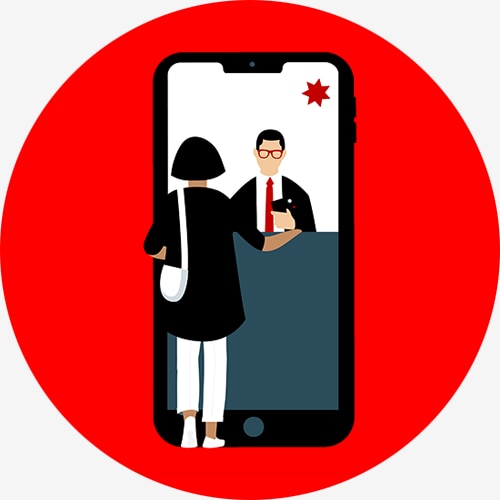
You can pay with your phone easily and securely while you’re on the go. Explore how.
Customers with an Android device may have access to Google Pay or Samsung Pay. Link your NAB Visa card to your phone to make secure payments with your device.
Eligible iPhone users can link their NAB Visa card to Apple Pay for quick and secure payments.
Ready to set up paying with your device? Read the instructions to set up Google Pay, Samsung Pay or Apple Pay.
Samsung Pay
Use Samsung Pay to make a secure payment with your device.
Google Pay
Learn how to use Google Pay to make purchases and payments on the go. Secure and easy to use with a NAB debit or credit card.
NAB with Apple Pay
Use your NAB Visa card with Apple Pay. Quick and secure.

NAB with Apple Pay
Use your NAB Visa card with Apple Pay. Quick and secure.
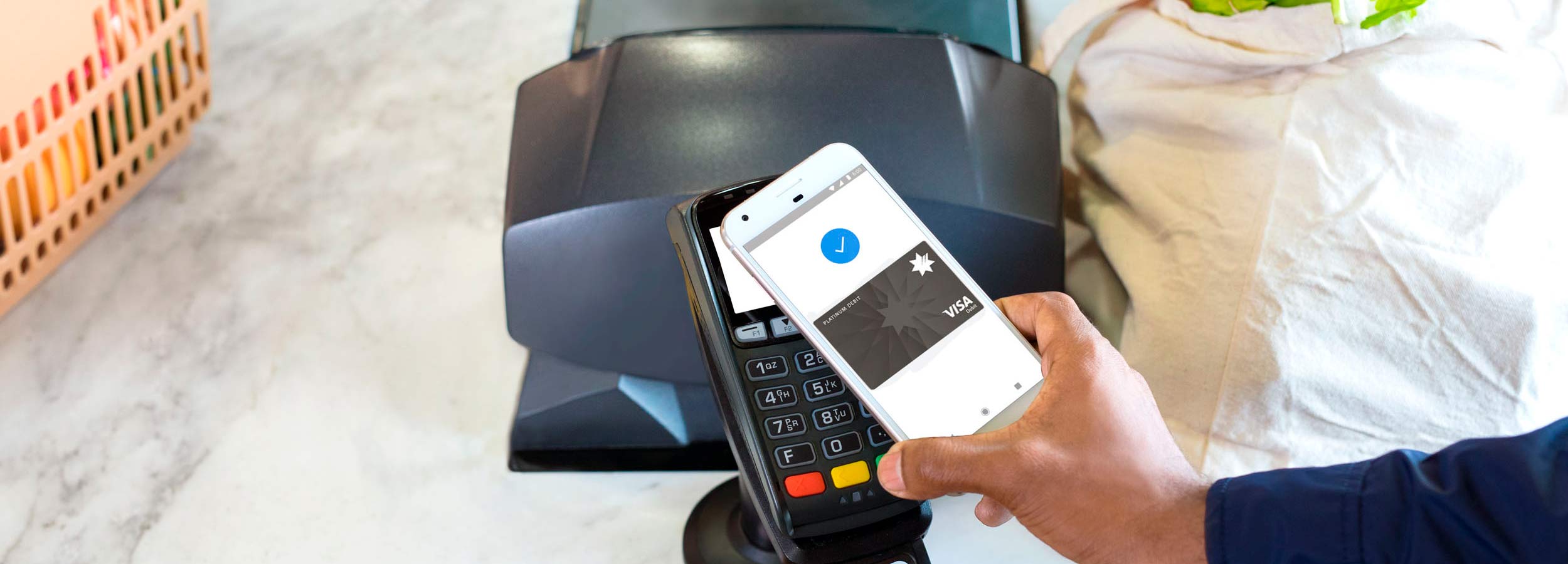
Google Pay
Learn how to use Google Pay to make purchases and payments on the go. Secure and easy to use with a NAB debit or credit card.
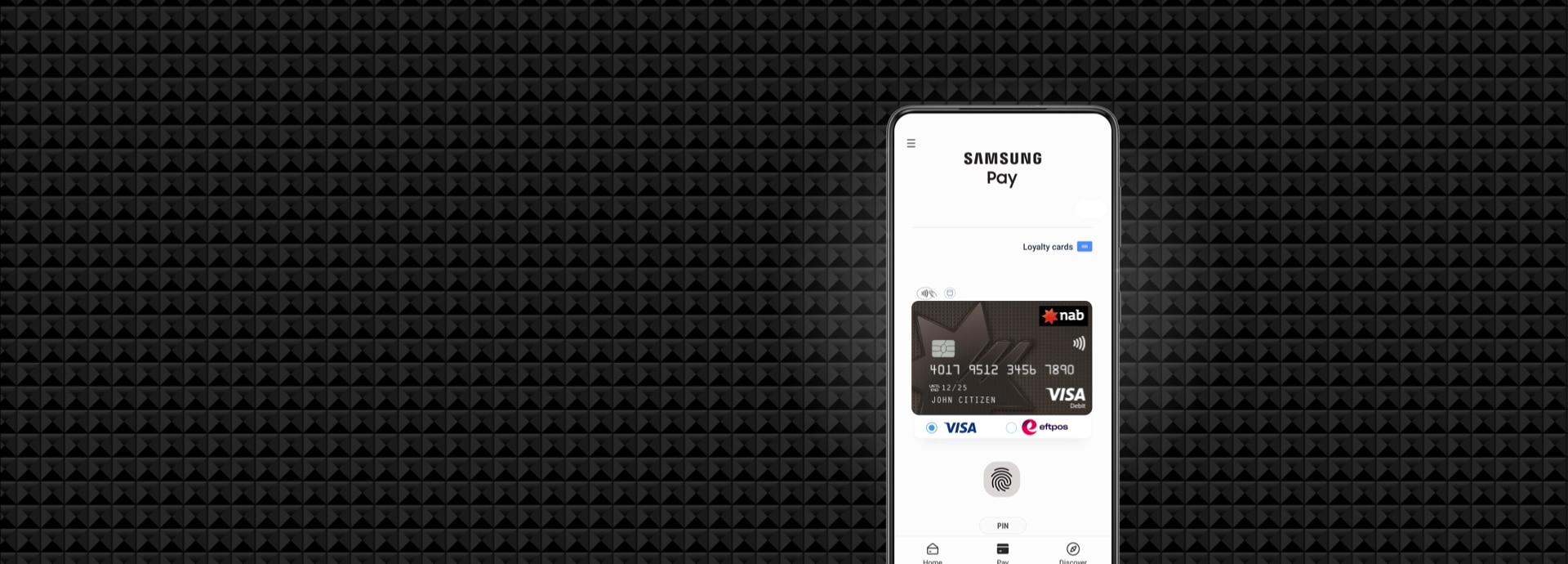
Samsung Pay
Use Samsung Pay to make a secure payment with your device.
Minimum operating system requirements
We make regular updates to the NAB app to fix issues and improve your experience.
We recommend you have the latest operating system on your device, as new updates can include important security updates and improvements.
If your device does not meet the minimum operating system requirements, you can update your operating system or you can access your banking from NAB Internet Banking on your mobile browser.
For guidance, visit the iOS support page for Apple devices or Google support page for Android devices.
Get in touch
Customer Support Tool
Solve problems quickly online with our easy-to-follow guides. Simply select a topic and we’ll direct you to the information you need.
Contact us
Explore our personal banking contact information and get support with a wide range of products, services and topics.
Visit a NAB branch
Visit us in person at your nearest NAB branch or business banking centre.
Terms and Conditions
Apologies but the Important Information section you are trying to view is not displaying properly at the moment. Please refresh the page or try again later.
NAB App - NAB recommends you consider the Internet Banking terms and conditions document before making any decisions regarding this product. This product is issued by National Australia Bank Limited. The NAB Mobile Banking app is compatible with Android and iOS, minimum platform requirements apply.
Apple, iPhone, iPad, Touch ID, Face ID and the Apple logo are trademarks of Apple Inc., registered in the U.S and other countries. App Store is a service mark of Apple Inc. Google Play and the Google Play Logo are registered trademarks of Google LLC.
iOS is a trademark or registered trademark of Cisco in the U.S. and other countries and is used under license.
Android is a trademark of Google LLC.
©2021 National Australia Bank Limited ABN 12 004 044 937, AFSL and Australian Credit Licence 230686.
PayID is a registered trademark of NPP Australia Limited.